
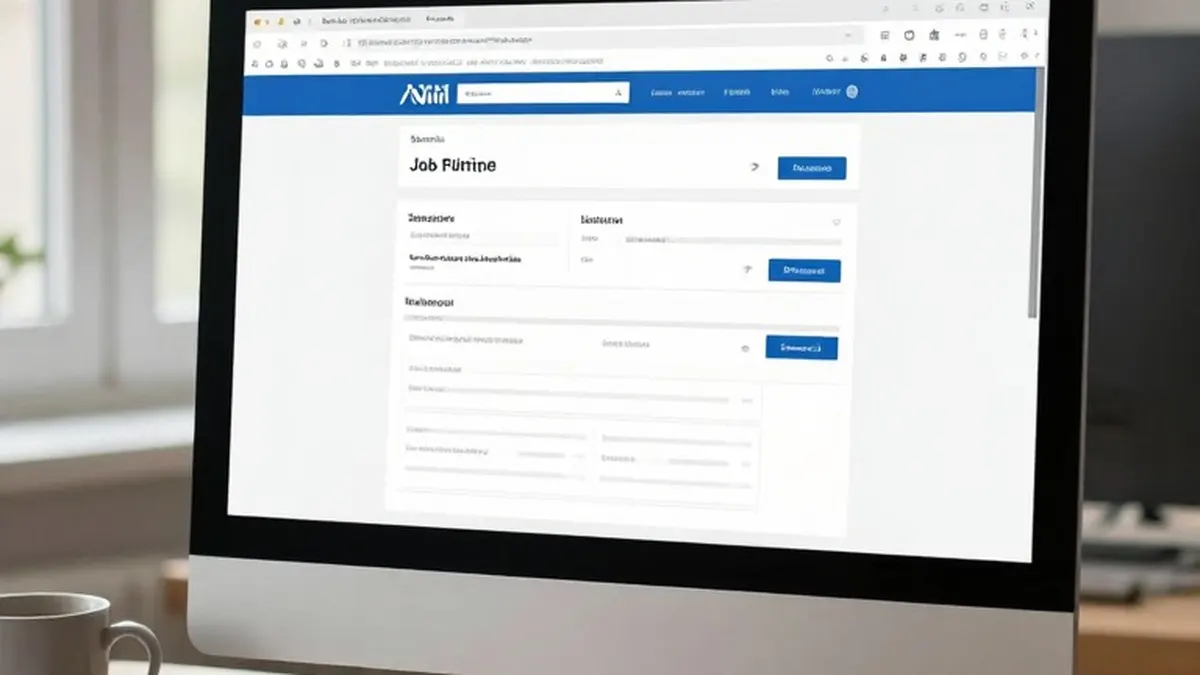
Mozilla has released an update to Smart Window, the AI-powered browsing experience in Firefox, that adds help with filling out online forms and the ability to keep an eye on webpages for changes.
The form feature draws on the tabs a user already has open. Mozilla offers a practical example: Smart Window can pull details from an online portfolio or a LinkedIn page and use them to enter a person's work history into a job application.
To use it, a person clicks into a form that has at least four text fields. An option labeled "Fill from sources" then appears, listing every tab Firefox will draw from. Users can select or deselect individual tabs, and the browser generates suggestions based on the information found in the chosen pages.
For now, the tool works with text fields on web forms. Mozilla is working to extend support to dropdown menus and PDFs. The company also notes that data from the source pages is shared with Google's Gemini 3.1 Flash Lite, the AI model that produces the text suggestions.
The second addition is a monitoring function. Users can ask Smart Window to watch a specific webpage for sales, new job listings and other updates. To set up a task, they type "/watch" in the Smart Window chat, describe what they are looking for and add the pages to be tracked.
Firefox can then check those pages on a daily or weekly basis, though it only does so while the browser is open. When it spots the kind of change the user requested, it sends an alert through the Tasks button on the toolbar. If desktop notifications are enabled, the alert also appears on the desktop.
Watching does not continue indefinitely without results. Firefox pauses a task if it detects no change after 60 days, and stops it completely after 90 days.
Both features are rolling out now to the Smart Window beta on desktop in the US and Canada. Mozilla says they will reach other countries in the "coming months."